Superpower Ragdoll Physics Mobile, Console, VR & PC Guide
Cross-platform habits for the 4-player sandbox—touch aim, VR comfort, console chat, and mixed-party loadouts.
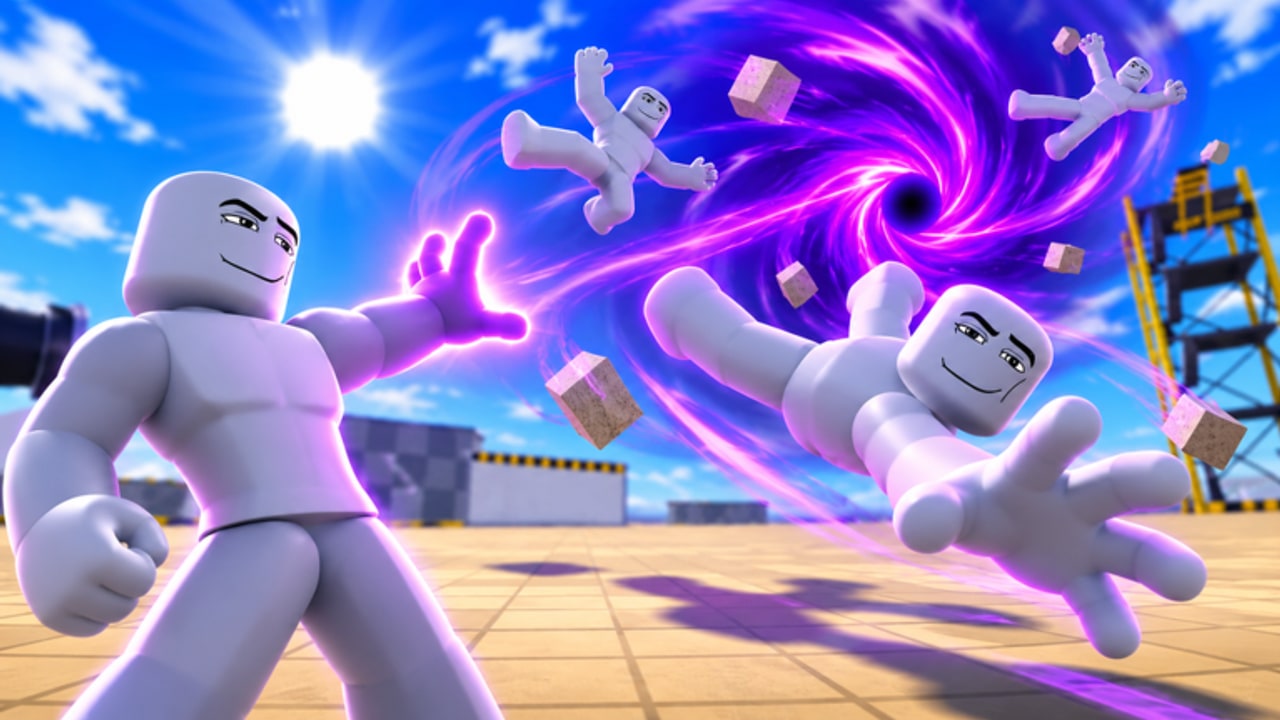
Superpower Ragdoll Physics advertises the same 4-player sandbox on PC, phone, console, and VR. That promise is the feature and the friction. This mobile and VR guide focuses on how those platforms feel different when everyone shares laser eyes, nukes, and sudden T-Rex weather—and how to keep the party fair without inventing fake accessibility toggles or sister-game scripts.
Read this beside Platforms, Controls, Co-op, Tips & Tricks, and Doctor & X-Ray. Power identity still lives in the Powers Guide; ranks live on the powers tier list and Beginner Loadouts.
Shared cross-play rules for every device
- Announce punctuation tools in text —
nuke 3beats a mumbled voice call when one friend is on phone speaker. - Offer simpler kits to the toughest input that night — clap, swing, and telekinesis beat finicky beams on bad thumb days or shaky VR sessions.
- One host restates the plan after map load, especially in public lobbies after the post-launch climb into millions of visits.
- Private server for serious scenario clears — random joiners rarely share your comfort vetoes.
- Never treat executors as platform parity — fling hubs and unlock scripts aimed at other ragdoll places are not accessibility tools. Context only: Scripts.
Phone and tablet — aiming powers on touch
Strengths: always-available fourth seat; perfect for casual clip nights and quick joins.
Watch-outs: thumb reach, accidental UI taps when a bee swarm hits, harder fine aim on laser eyes, smaller text on scenario objectives.
Touch aiming habits:
- Prefer short-range tempo tools (thunder clap, tornado edges, telekinesis grabs) when your thumbs are tired.
- Use web swing as your reset button—leave bad ground instead of spraying a beam while panicking.
- When you must laser, brace against a railing or stand still for a two-count before tracking.
- Keep brightness high enough to see x-ray flashes; they are easy to miss on sunlit phone screens.
- Clipboard paste helps if a Codes field ever appears; today there are still no widely verified public promo codes for this place as of November 2026 (Codes).
Friendly phone kits: thunder clap, web swing, telekinesis, time stop. Add giant mode for playground meme fights. Save meteor and nuke for moments when a PC or console friend can call the sky.
Console — stable sessions, slower typing
Strengths: comfortable living-room length; often stable frames on a big TV.
Watch-outs: virtual keyboards slow long callouts and any future code entry; aim feel on beams differs from mouse tracking.
Habits:
- Bind a mental chat macro set:
nuke,hostages,event sky, villain shorts likepyro roof. - Default to tornado, thunder clap, web swing, and time stop when the lobby mixes platforms.
- Host on console only if you are willing to retype the plan for phone friends after each map load.
- Use stadium and city for artillery nights; avoid being the only meteor in a lab escape corridor.
VR — presence first, comfort always
Strengths: unmatched presence when ragdolls tumble past your face; telekinesis and swing feel theatrical.
Watch-outs: camera shake during nuke, meteor strike, and airstrike world events; UI pointing fatigue; tsunami-scale ground motion; giant-mode shoulders clipping your view.
Comfort checklist:
- Warm up in playground or clean white room before city wipe nights.
- Prefer seated sessions when punctuation tools are on the menu.
- Veto early nukes; ask the burst seat to wait until you confirm comfort.
- Take breaks between world events—fifteen event types means the sky can stay busy.
- Redeem anything account-related on desktop if pointing at panels is awkward.
- Teammates should warn before giant mode or tornado parks a parade in your personal space.
VR-friendly kits: telekinesis, web swing, thunder clap, time stop. Laser eyes in short bursts. Apocalyptic tools only with explicit consent from the headset player.
PC — host duties and assumption traps
Strengths: fastest menuing, easiest spectating habits, best for pasting patch notes into party chat.
Watch-outs: assuming everyone heard your three-word voice call; over-picking precision duties every round; forgetting VR shake when you countdown a nuke.
PC players should own update checks after the experience Updated stamp moves, then translate changes into short text for mixed parties. Good default kits still include laser eyes and time stop—just do not hoard every precision job.
Mixed-party loadout example
| Seat | Platform | Role | Sample tools |
|---|---|---|---|
| 1 | PC | Precision / host | Laser eyes, time stop |
| 2 | Console | Crowd control | Tornado, thunder clap |
| 3 | Phone | Mobility | Web swing, telekinesis |
| 4 | VR | Flex / clips | Clap + swing; late veto on nuke |
Swap seats after each scenario. Hostage rescue should not force the phone player onto laser duty every attempt. Outbreak can hand the phone seat a clap lane while PC owns the called meteor.
Map and mode picks by comfort
- White room / playground — best cross-play classroom for injury cues and touch aim.
- City / stadium — fine when VR agrees to artillery etiquette.
- Forest / construction — harder for touch tracking; lean mobility and time stop.
- Lab escape / bank heist — assign interiors to the steadiest aimer that night, not to a fixed platform stereotype.
- World-event nights — keep one sober navigator on any device; delay stacked sky tools during airstrike overlap.
Session template for mixed platforms (45 minutes)
- Host pastes roles in chat.
- Ten-minute white-room or playground warmup with VR comfort check.
- One scenario with splash vetoes stated up front.
- Two world events for clips—pause if the headset player needs a break.
- Optional villain tag (Brute, Pyro, Speedster, or others in the six).
- End before thumbs and VR comfort collapse; schedule the next map.
Related pages
- Platforms · Controls · Co-op
- Tips & Tricks · Doctor & X-Ray
- Powers · Beginner Loadouts
- Getting Started · Updates
Cross-play is the point of a four-seat physics toy. Meet in the middle on kits, callouts, and comfort, and the ragdolls stay funny on every device.
Frequently Asked Questions
Quick answers to the most common questions.
Does Superpower Ragdoll Physics support phone and VR?
Yes. The experience lists PC, phone, console, and VR on the same 4-player servers.
Which powers feel best on mobile?
Short-range crowd tools and mobility—thunder clap, web swing, and telekinesis—usually feel better than long precision beams on tough thumb days.
Should VR players use Nuke or Meteor Strike?
Only with comfort in mind. Prefer seated sessions, warm up in simpler maps, and require a text countdown so the headset player can veto.
How should mixed parties call ultimates?
Use short text callouts such as nuke 3 in addition to voice so phone and console players are not left out.
Where else should I read before a cross-play night?
Platforms for etiquette, Controls for input habits, Co-op for roles, and Tips & Tricks for session pacing.